Draw something small.
Get something endless.
A doodle in a 128 pixel box becomes fractal art you can zoom into forever, and print at 8K.
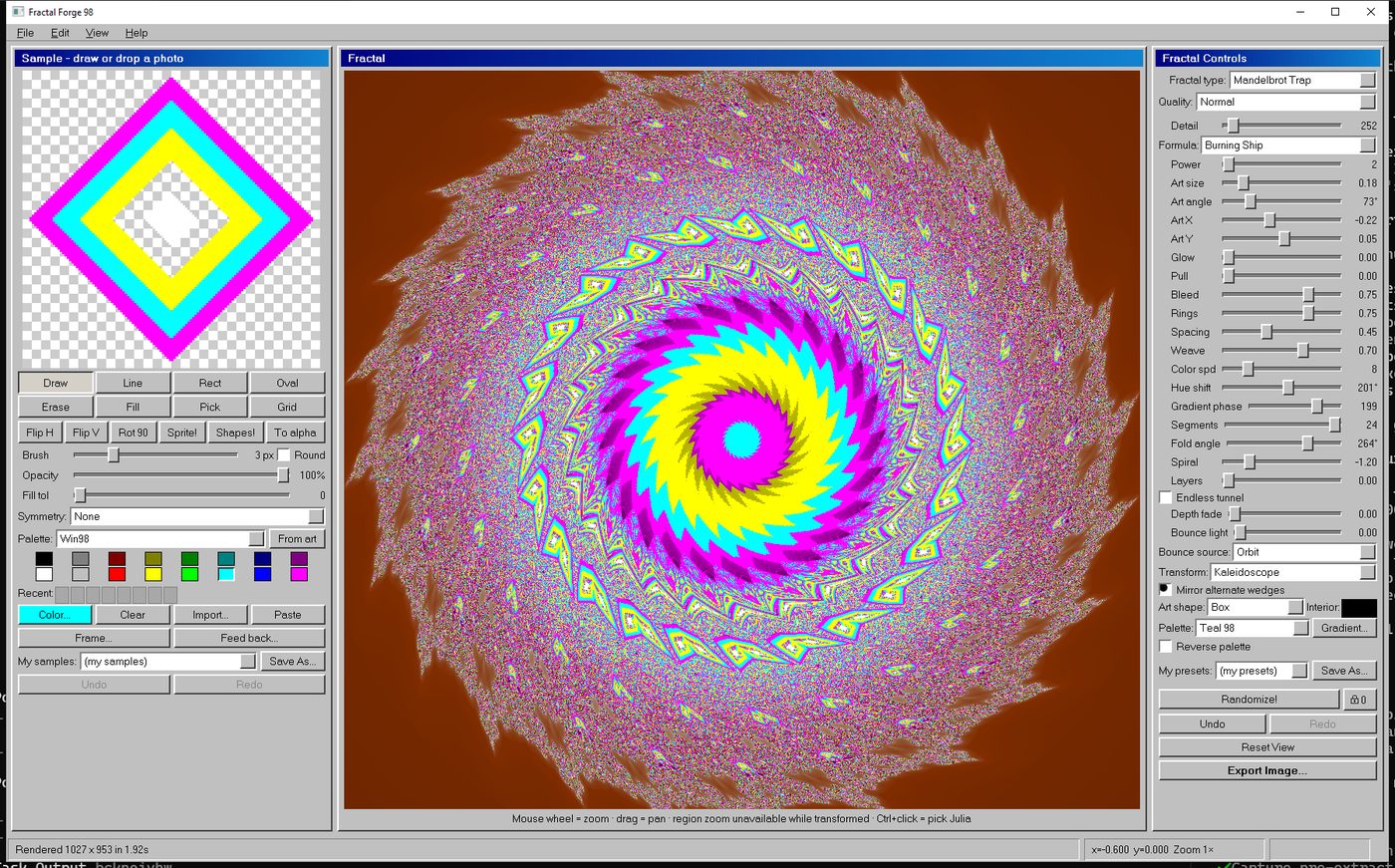
Every fractal generator makes the same pictures. This one makes yours.
Most fractal software hands you the Mandelbrot set and a colour picker. Fractal Mike does something different: whatever you draw in the little 128 pixel panel gets built into the maths. Your shape is what repeats, at every scale, forever.

Drop in a photo. It gets crunched down to 128 pixels.
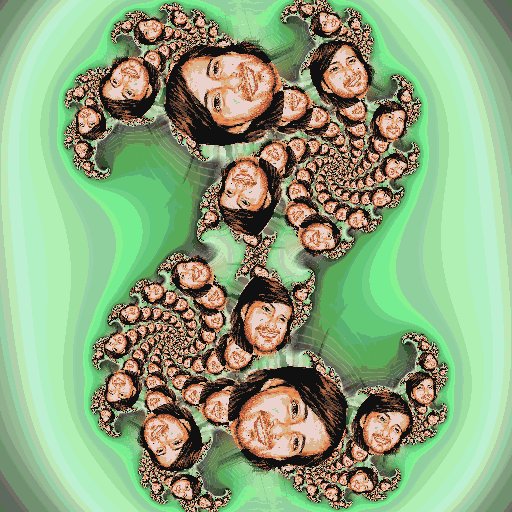
Now it is inside a Julia set, at every scale, all the way down.
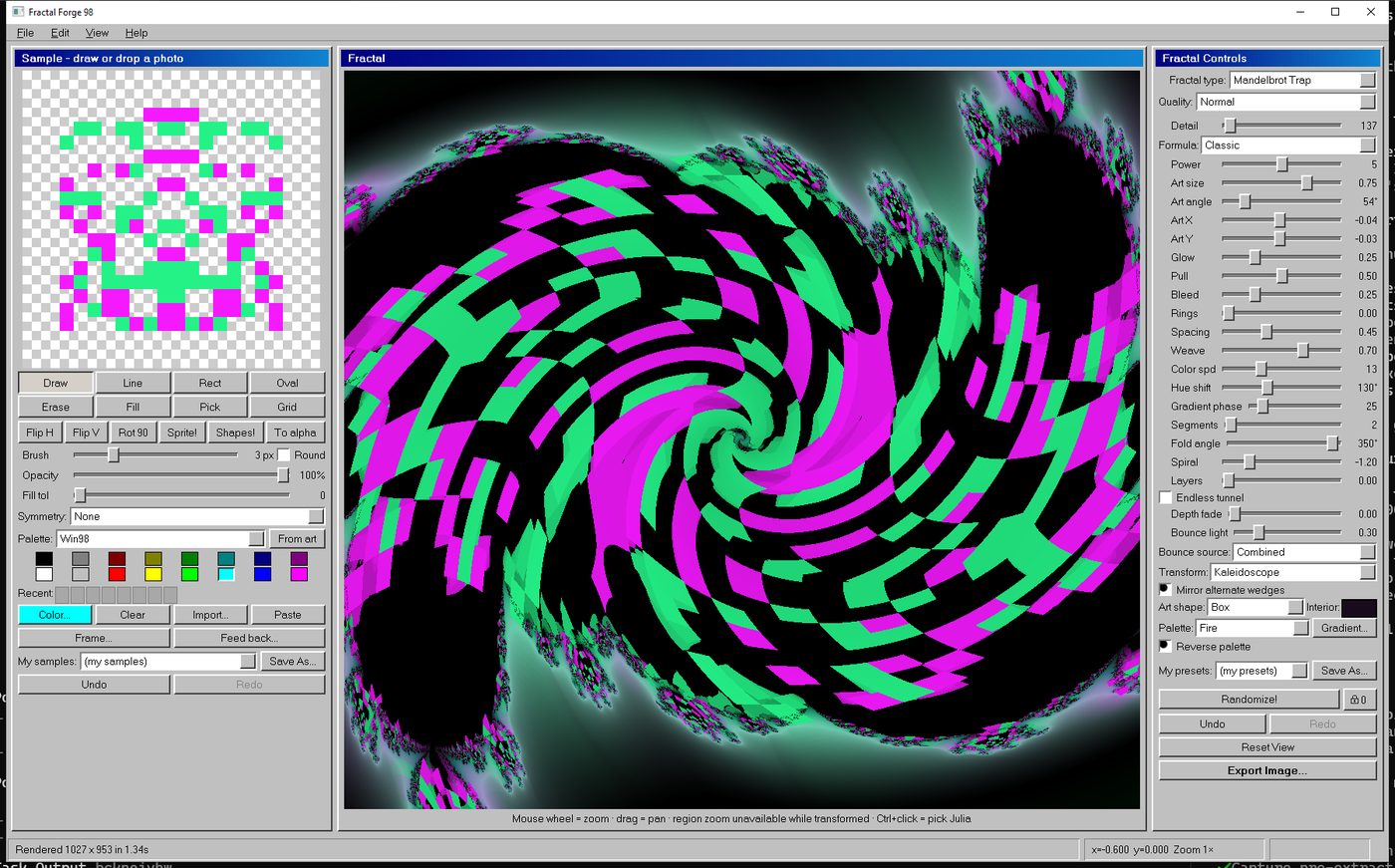
Cannot draw? The Sprite! button rolls you a space invader, Shapes! rolls a geometric seed, and Randomize! rolls the entire fractal on top.
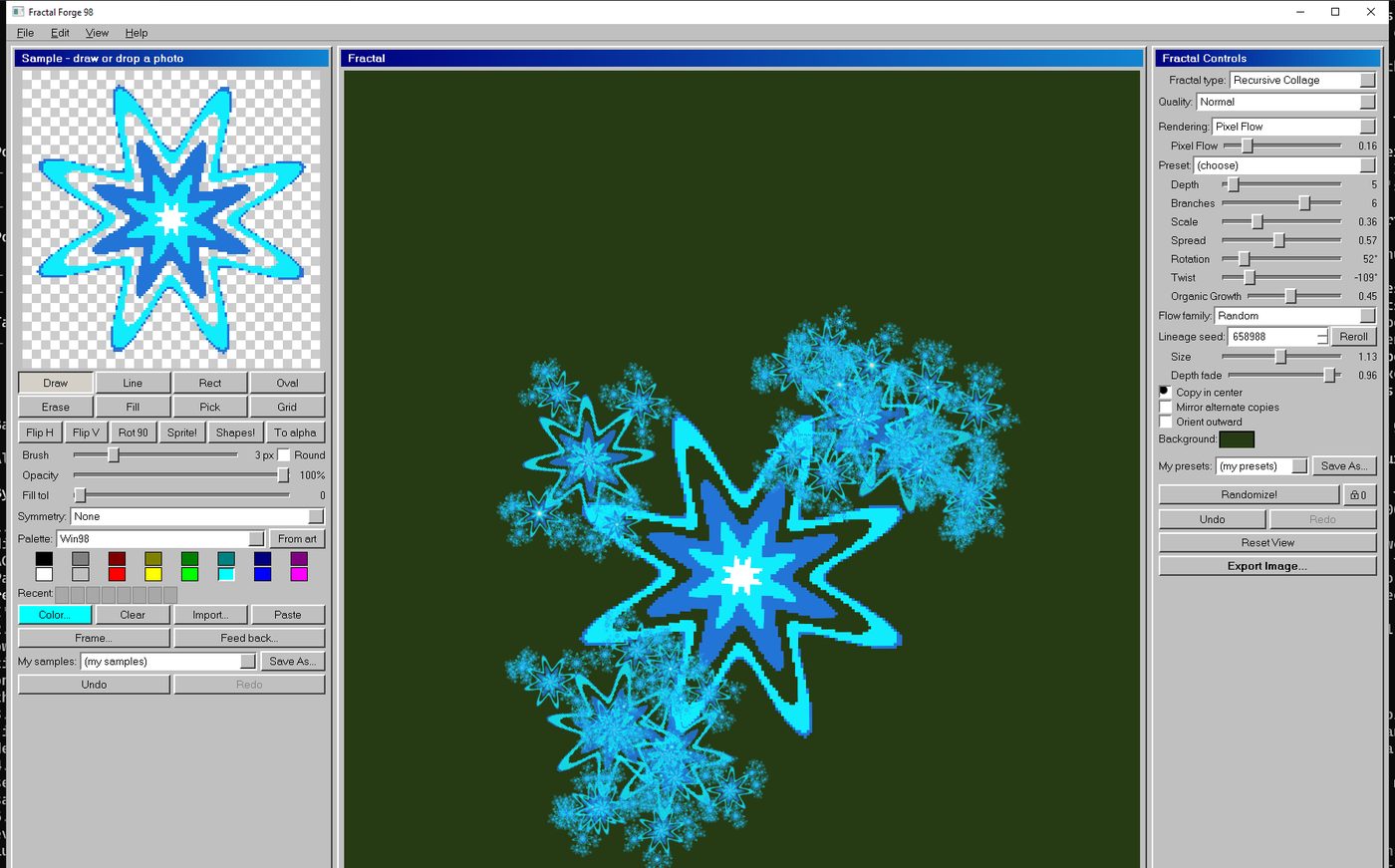
Draw a star, get a constellation. Look at the panel on the left of each shot: that little picture is what the big one is made of.
Three completely different machines in one window
Same drawing, three ways of exploding it. Switching between them is one dropdown, so a picture you like in one mode is thirty seconds away from being a different picture entirely.
Your drawing, stamped through itself
A ring of shrunken, rotated copies of your art, each one containing another ring, and so on. Nine one-click presets get you started: Triforce, Snowflake, Carpet, Galaxy, Vortex, Bloom, Fern, Coral, Wild Bloom.
Then there is Organic Growth, which is the one people lose an afternoon to. Turn it up and the copies stop being identical. Branches get a role, a vigour and an age; leaders keep going, side shoots weaken and stop, and the whole thing grows like a plant instead of repeating like wallpaper. Pick a family (Tree, Fern, Coral, Bloom, Mycelium) and reroll the seed until one of them looks alive.
Your drawing, embedded in the Mandelbrot set
The classic fractal, except your art is the orbit trap, so it surfaces inside the set at every depth you zoom to. Four sliders decide how the maths and your picture treat each other:
Glow throws your art's light onto near misses. Bleed tints the whole palette toward your colours. Rings draws contour lines at fixed distances from your drawing, so zooming in reveals finer rings that were always there. Pull actually bends the fractal's geometry around your shape, so filaments wrap it instead of swallowing it.
Add Burning Ship or Tricorn, push the power up to 8, and the underlying fractal changes shape too.
An infinite supply of new worlds
A Julia set is the Mandelbrot's sibling, and every single point on the Mandelbrot's crinkly edge produces a different one. In Fractal Mike you find them by holding Ctrl and clicking. Click the edge, and the app hands you that Julia set with your artwork already inside it.
That is the bit that turns into a habit. One click, a whole new picture, related to the last one but not the same. Click a thousand times and no two are alike, because there are more points on that boundary than there are clicks in a lifetime.
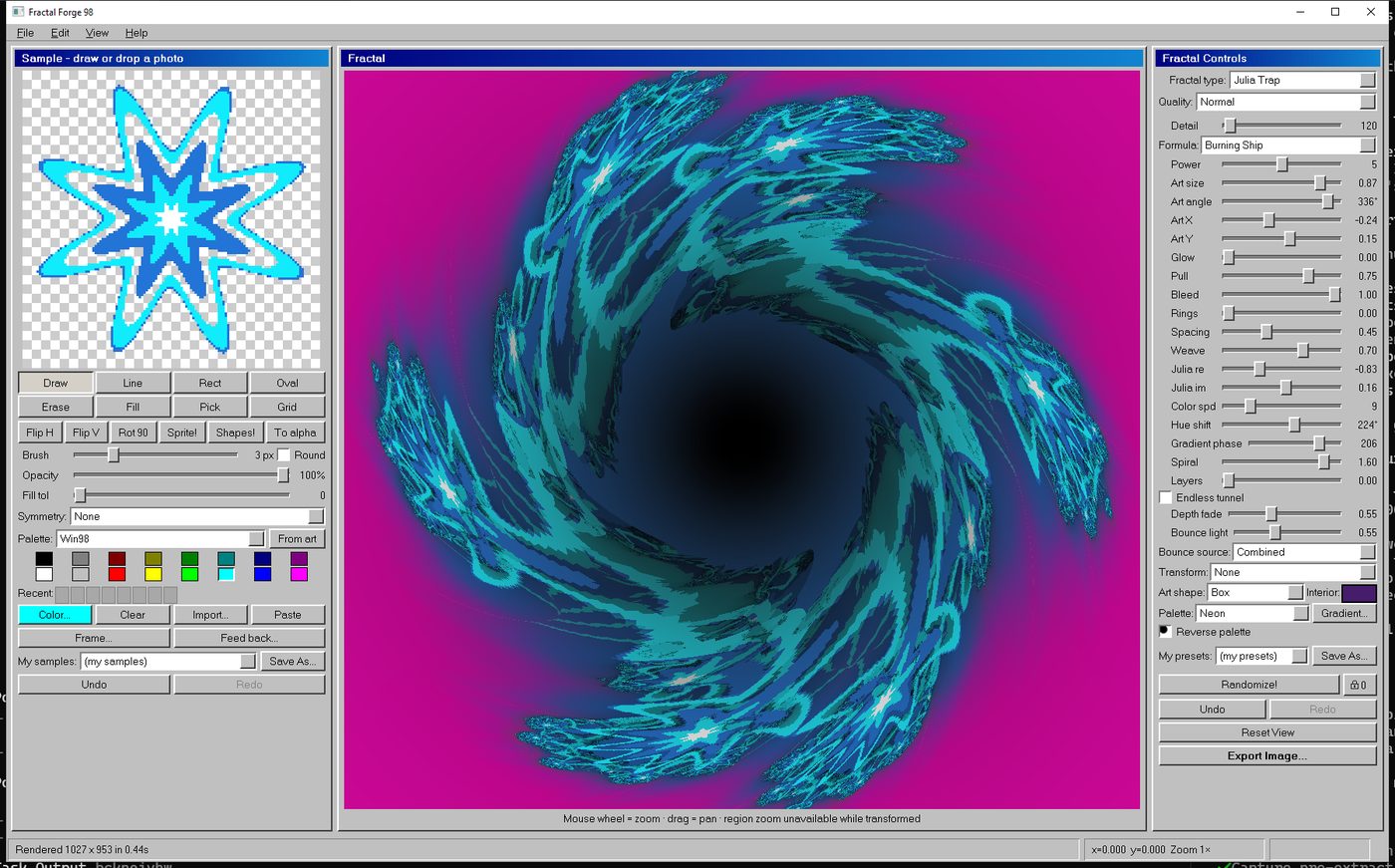
Built for messing about, not for reading a manual
Palettes you already miss
The swatch grid ships with the old sixteen-colour sets: Windows 98, PICO-8, DawnBringer, NES, CGA and the Game Boy ramp. Or pick "From art" and it builds a palette out of your own drawing's colours, so the fractal matches without you touching anything.
8K
Export big enough to hang up
1080p, 1440p, 4K, 5K, 8K, square or any custom size, as PNG, JPG or BMP, with optional anti-aliasing. Rendering is tiled and runs in the background, so even an 8K export leaves the app usable. This is poster territory: canvas prints, album covers, phone wallpapers, a T-shirt.


It moves, too
Set keyframes, give each one a travel time, and everything glides between them: zoom, colour, shape, even the formula. Export as animated GIF or lossless WebP.
Feed it its own output
The Feedback tool takes the fractal you are looking at, pushes it back into the drawing panel, and runs it again. Up to sixty times. Things get strange around pass eight, and it can capture every pass as a frame of a seamless loop.
Bend the plane first
Fold the whole thing into a kaleidoscope of up to 24 wedges, turn it inside out, spiral it, or stack it into repeating layers. Turn on Endless Tunnel and the mouse wheel flies you down a bore that never bottoms out.
And a button that does the thinking for you
Randomize! (Ctrl+D) rolls a fractal type and a full set of settings inside sensible ranges, so you are never staring at a blank screen. Press it twenty times, keep the two you liked, save them as presets.
Photos and GIFs go in as well
Drag a photo straight in from your browser or your desktop. Posterise it down to sixteen colours if you want it reading as pixel art. Drop in an animated GIF and it keeps every frame, so the seed itself is moving.
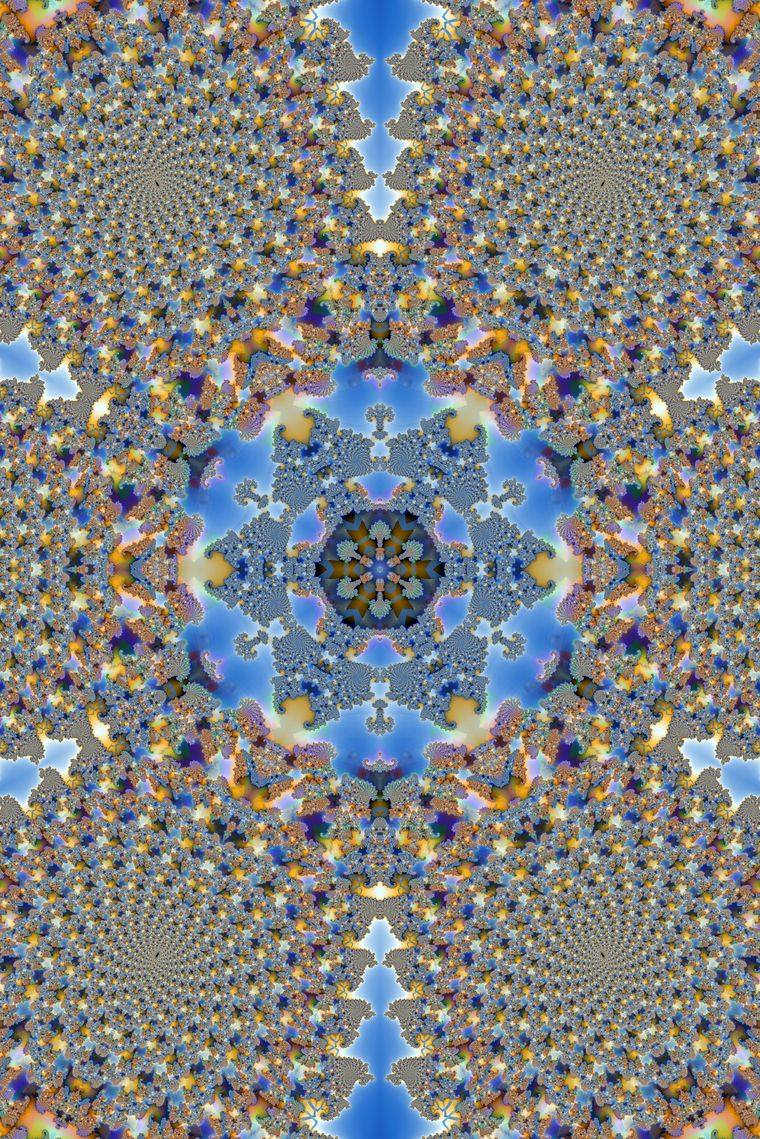
Every one of these started as a doodle in a small box
No filters, no stock images, no AI. Just a drawing, some sliders, and a lot of zooming.
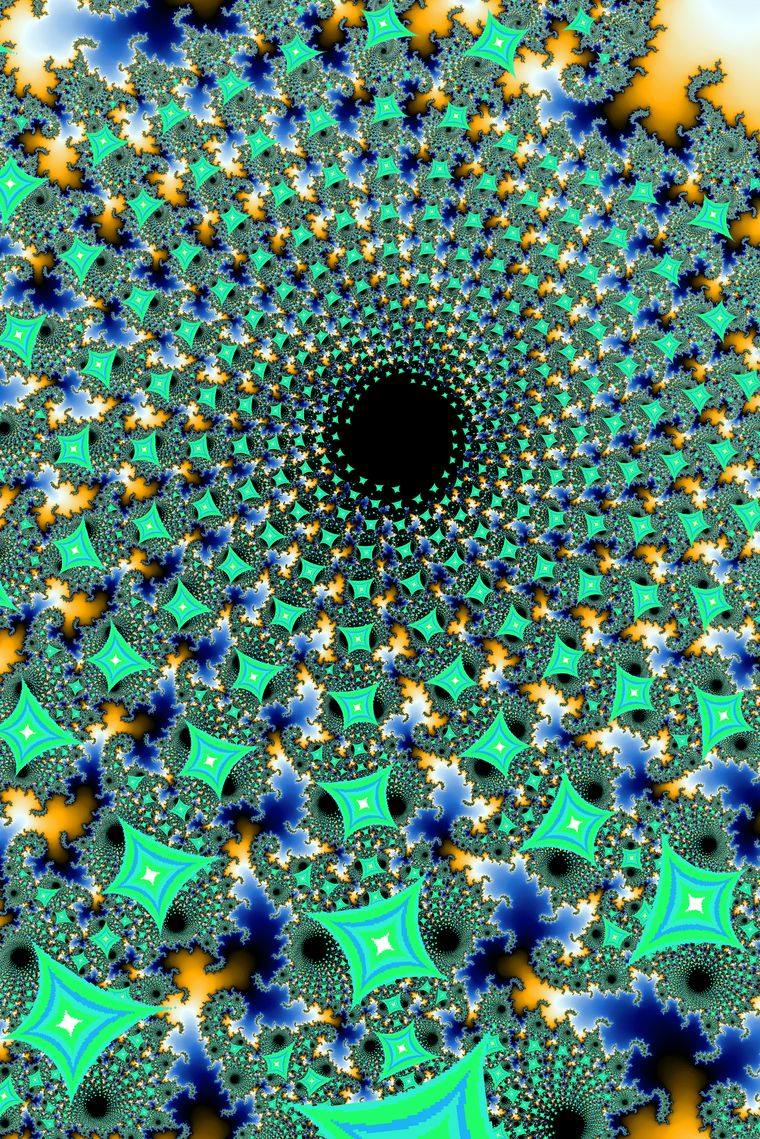
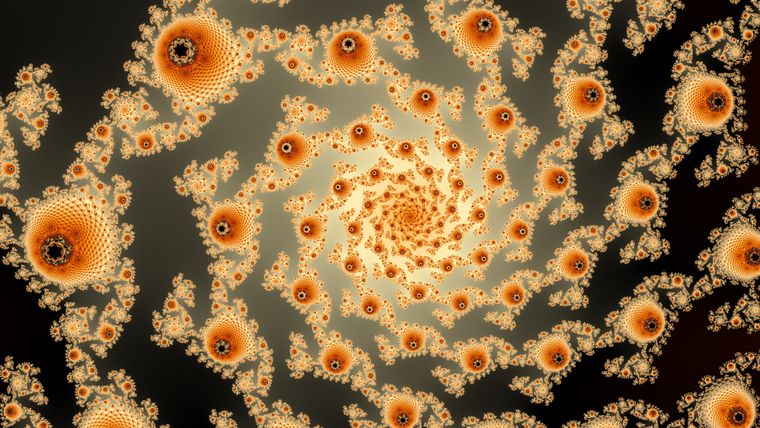
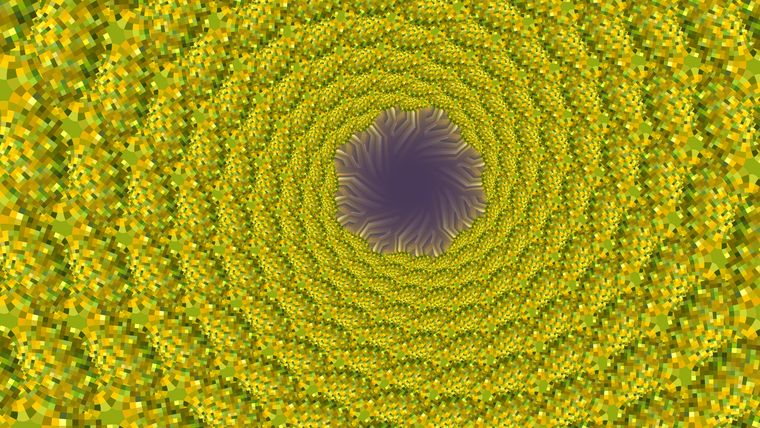
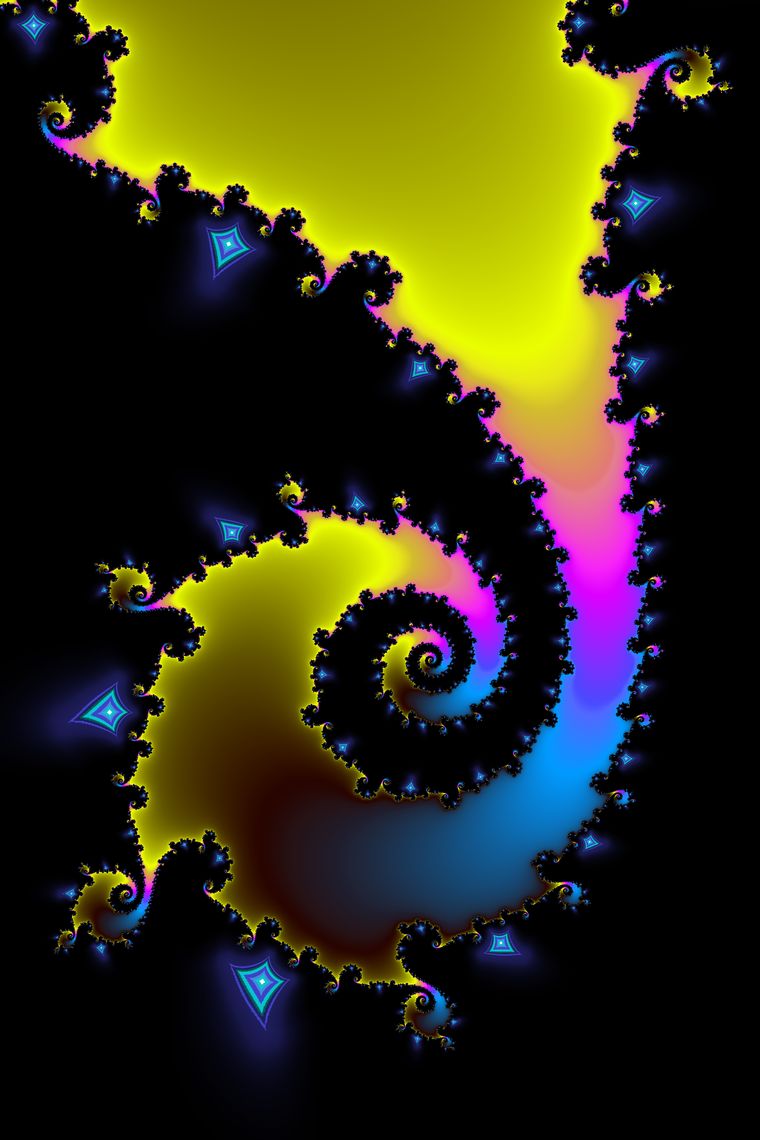
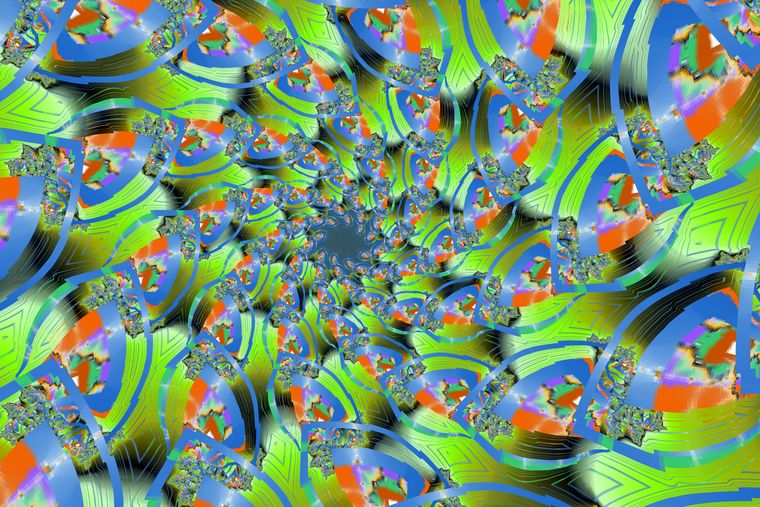
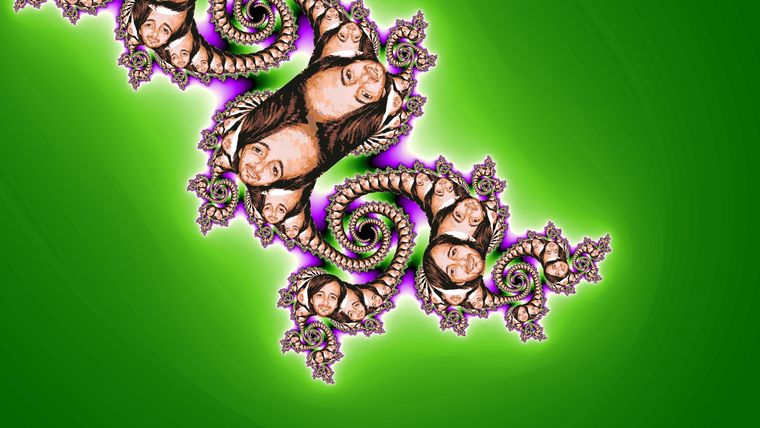
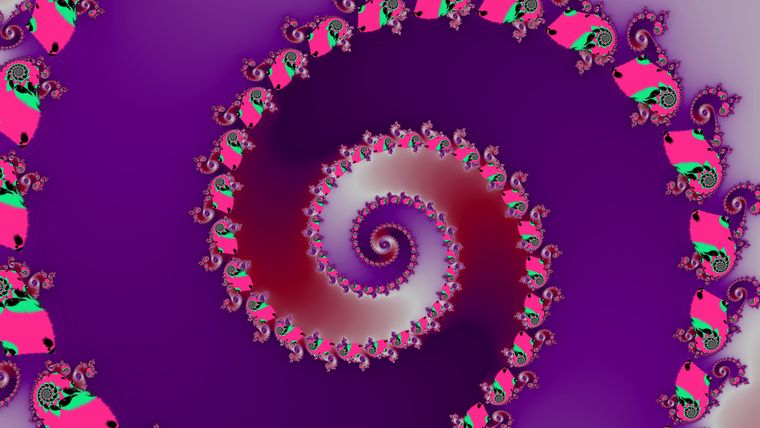
Made in the app during testing. The one with the faces is a photo that got dropped into the drawing panel.
See what other people have made with it
There is a separate wall for pictures made by the people who bought the app. Send yours in and it goes up there, titled and credited however you ask, or with no name at all.
It is a new app, so that wall is still mostly mine. Which means there is an unusual amount of room on it at the minute.
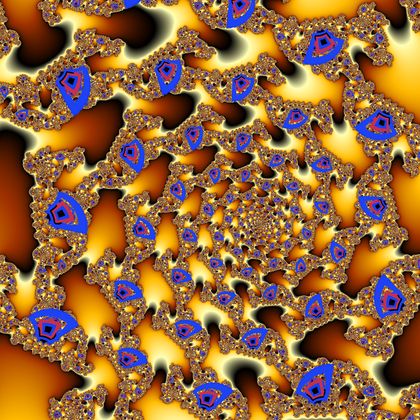
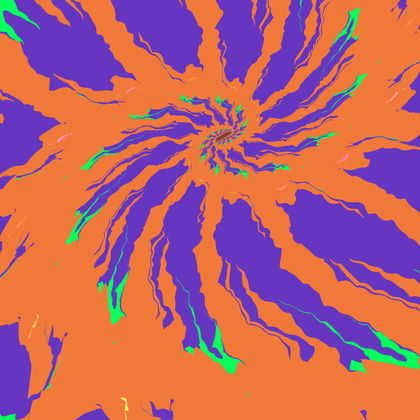
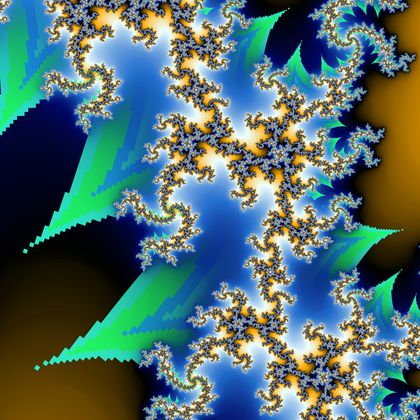
You can walk around inside your own fractal
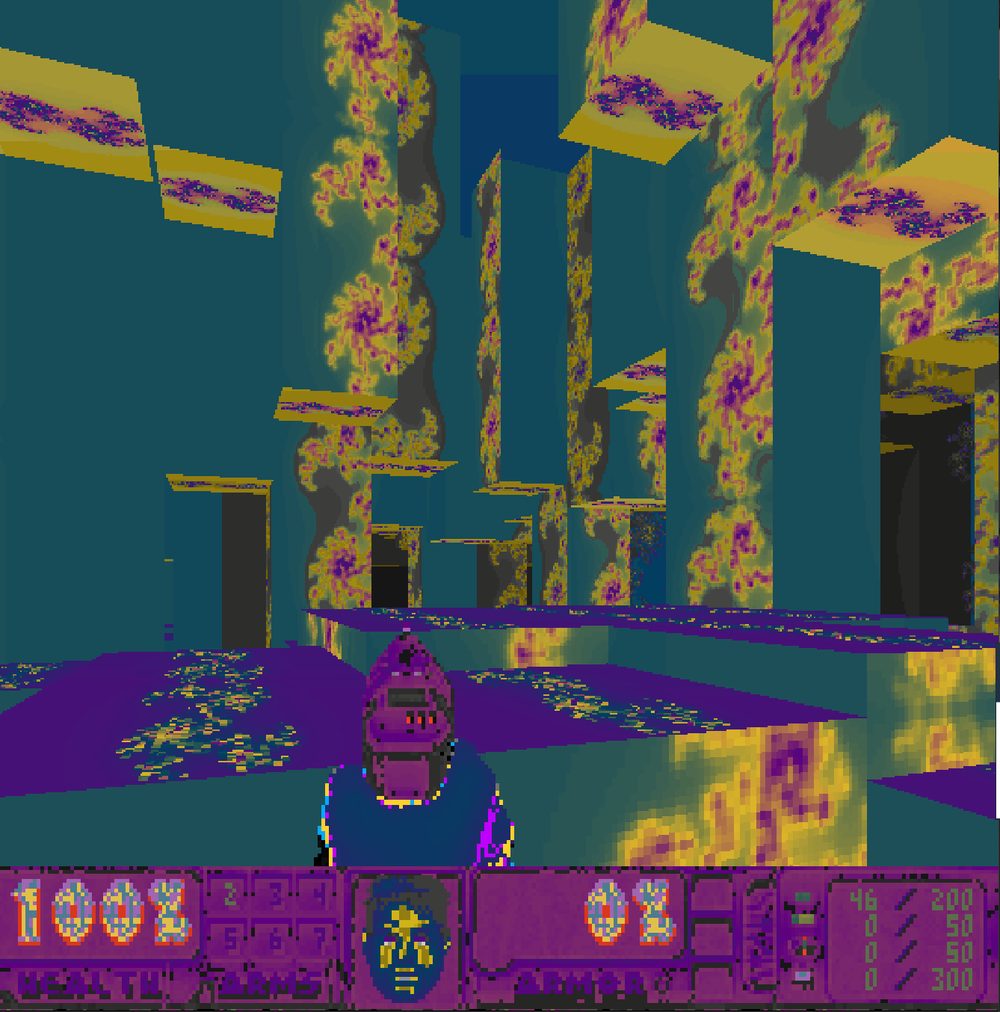
This started as a joke and refused to stay one. Pick File > Fractal Doom and the app converts the fractal on your screen into a playable first-person level. The walkable floor plan is thresholded straight out of the fractal's own structure, so the corridors are the shape you drew.
Every level renders your finished picture across its floors and walls. Go through a portal and you descend into a smaller region of the same fractal, forever, with the ambient light dropping as you go. Your chalk marks on the walls stay where you left them.
Fractal Doom plays through UZDoom, which is a free download, and the free Freedoom game data is already included. It is the one part of the app that needs a second program.
The point is not the fractals. It is what happens to you while you look for them.
Nobody has ever seen the picture you are about to make. That is not marketing, it is just true. The space you are moving around in is bigger than the number of pictures anyone could ever look at, and your drawing is in there changing all of it.
So you zoom in on something that looked promising. It turns into something better. You nudge the hue and the whole mood changes. You Ctrl+click a spot on the edge and land somewhere you did not expect. An hour goes past. You have four pictures you like and one you love, and you had no idea any of them existed when you sat down.
That is the whole product. Not a filter that makes your photos look arty, and not a machine that generates things on your behalf. A place to go looking, where the looking is the good bit and you get to keep whatever you find.
No subscription. No account. No cloud. No telemetry. No "sign in to continue". You pay once, you get the folder, and it is your software. It works with the internet switched off, which is exactly how software used to work and is a large part of why this thing looks the way it does.
- The full app, all three fractal engines, every tool on this page
- Unlimited exports up to 8K, plus animated GIF and WebP
- Fractal Doom, with the free Freedoom data included
- Install it on your own PCs, as many as you personally use
- Pictures you make are yours. Print them, post them, sell them
- Future updates to version 1 included, emailed to you
How you get it
Fill in the order form below. I will email you a payment link, and as soon as it clears I will send your download link. It is usually the same working day.
There is no installer to fight with. You get a folder, you put it where you like, you double-click the app. Nothing is written to your registry and nothing runs in the background when the app is shut.
If it will not run on your PC, tell me and I will refund you. I would rather that than have your tenner and your annoyance.
What it needs
Your PC
- Windows 10 or 11, 64-bit
- Any CPU from the last decade. More cores means faster big renders
- About 185 MB of disk space
- A mouse with a wheel. The wheel is how you zoom
What it does not need
- An internet connection, unless you are dragging pictures in from a browser
- An account, a login or a licence server
- A graphics card. It is all CPU, and it uses all your cores but one
- Administrator rights to install
For Fractal Doom only
- UZDoom 4.14.3 for Windows, which is a free download
- Freedoom Phase 2, already included in the app
- You point the app at UZDoom once, then forget about it
Questions people actually ask
I genuinely cannot draw. Is this pointless for me?
It is arguably better. Two buttons roll a seed for you: Sprite! makes a random mirrored space invader, Shapes! makes a bold geometric pattern. Randomize! then rolls the entire fractal on top of that.
Plenty of the best results start from a shape somebody made in four seconds by accident. The fractal does the complicated part.
Do I need to understand the maths?
No. Every slider changes the picture while you drag it, so you learn what things do by watching, not by reading. There is a diagnostic view that shows you the actual mathematics underneath if you ever want it, and you can ignore it forever if you do not.
Is £9.99 a monthly thing?
No. It is £9.99, once. There is nothing to cancel because there is nothing to subscribe to.
Can I sell prints of what I make?
Yes. What comes out of the app is your work, not mine. Sell it, print it, put it on a book cover, stick it on a shirt.
Is there a Mac or Linux version?
Not at the moment. It is a 64-bit Windows app. If enough people ask I will look at it, so do ask.
Will it bog my computer down?
It deliberately keeps one CPU core free for Windows, so your machine stays usable while a big render is going. Small previews stay on a single core on purpose. If you would rather it never spread out at all, there is a switch in Settings to turn multicore off.
Who made it?
I did. I am Mike, I fix computers in south London, and I have been building software for people for over seventeen years. This one I built for myself first and then could not stop working on it. If something in it breaks, you are emailing the person who wrote it.
Order form
Send this and I will reply with a payment link. Once it is paid, your download link comes straight back. Monday to Friday, 10am to 6:30pm.